
News · iPhone and iPad
Sæga on iPhone
Today Apple approved Sæga for iPhone and iPad, and the app is now on the App Store. It is free, with no in-app purchases.
Some of you who have read about Sæga use a PC and haven’t been able to try it, since the app was only for the Mac. The app on iPhone and iPad doesn’t care which computer you have.
Free, with no account and no in-app purchases. Swedish, Danish and English.

Why a phone
Sæga started as irritation. Apple Dictation split Swedish compound words, “veckomöte” became “vecko möte”, and I wanted something that handled Swedish without sending my voice anywhere. On the Mac that got solved. But a lot of what I say, I don’t say at my desk.
What the app does
- Dictate and paste. You talk, and the text is on the clipboard, ready to paste.
- The Sæga keyboard. A microphone button in the keyboard, in every app where you type.
- Meetings and lectures. Record and watch the text appear while people talk. Recording continues with the screen locked.
- Translate. What is said can be translated on the phone, also sentence by sentence while you record.
- Three languages. Swedish, Danish and English.
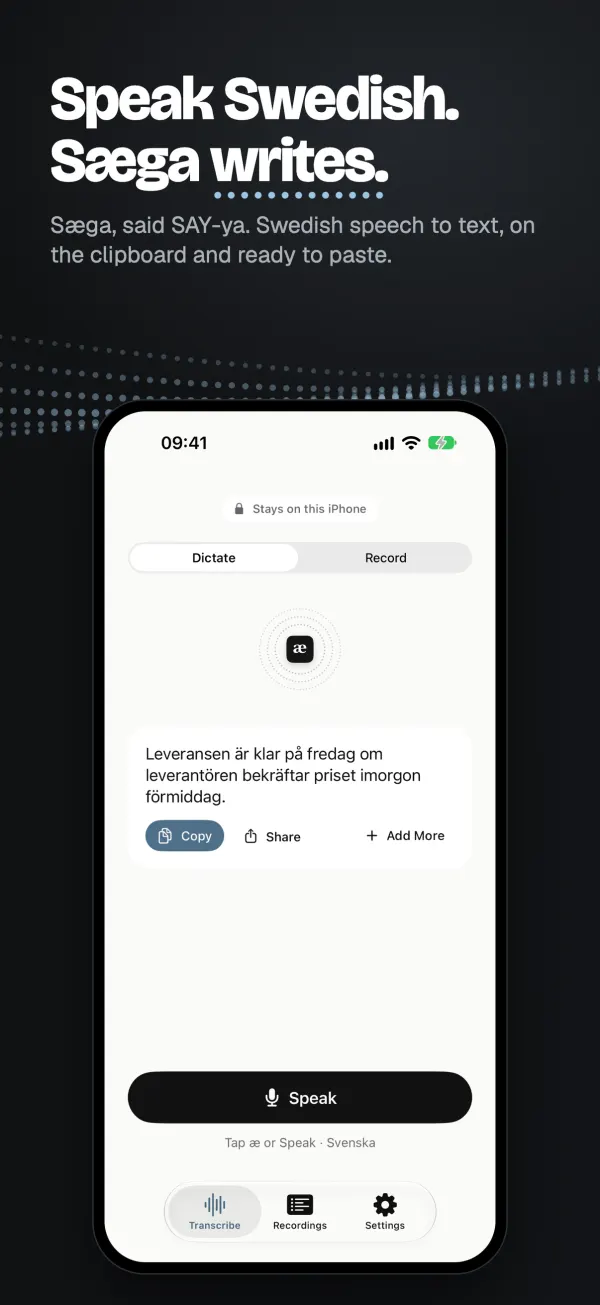
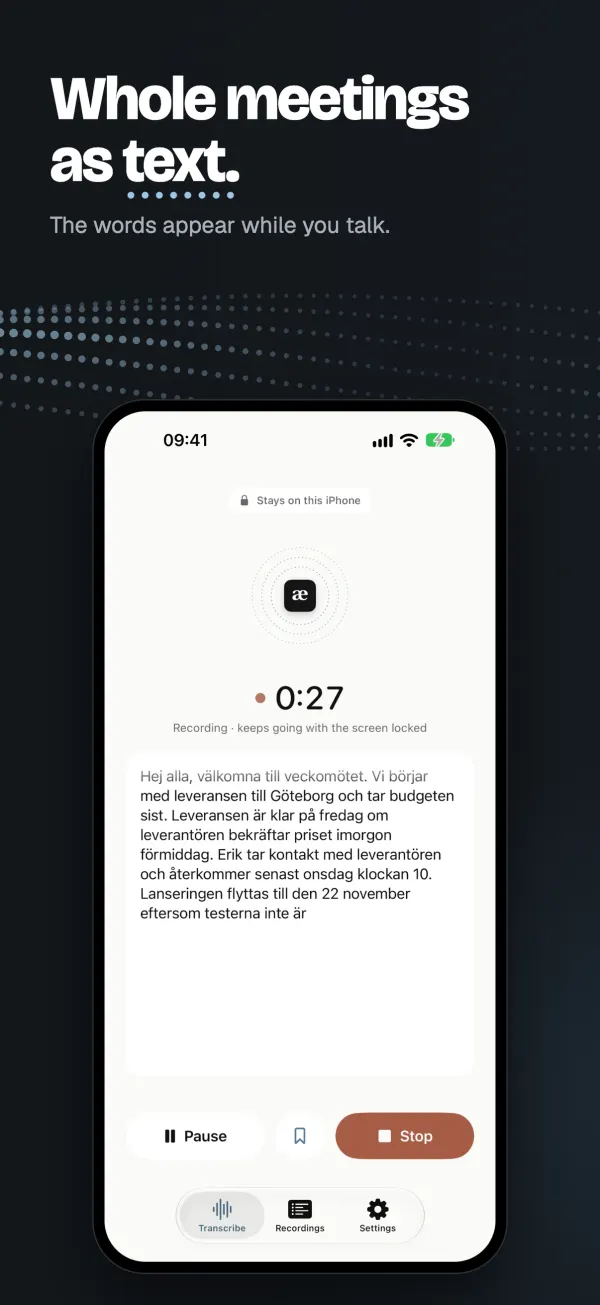
Two of the App Store images, taken in the app on iPhone.
You share the text onward as plain text or Markdown, for example in an email to yourself if you want it on your computer.
New in 1.2
- Summarize a recording. Apple Intelligence writes a headline and the main points right on the phone, free and with nothing sent anywhere (iPhone 15 Pro or later, or iPad with M1 or later).
- Your own dictionary. Add, change and remove words, and Sæga writes them your way from the next dictation.
- Subtitles as WebVTT, beside .srt.
- A clearer start, where you choose your language before anything downloads, and a checklist that helps you turn on the keyboard.
In 1.1
- A new introduction. You hear and see speech become text and choose what you'll use Sæga for: dictating, meetings, lectures or translating conversations. The app starts in the mode that fits.
- Every language in Settings. Get, cancel or remove Swedish, Danish and English right in the list.
- English voice commands have their own page in Settings.
- Send to Mac. With Sæga 1.6 or later on your Mac, send a recording there, already written, and bring your Mac dictionary to the phone.
Everything happens on the phone
Your speech becomes text on your iPhone or iPad, not in the cloud. The app downloads the speech model for your language once, and the first time you translate, iOS may download language files. After that it works in airplane mode. No account, no ads and no in-app purchases. The app's privacy label on the App Store is Data Not Collected: no analytics, no sign-in and no tracking.
If you have a Mac, Sæga for Mac is there too, free to download.
This is version 1.2. If something is missing or goes wrong, write to support@saega.app. I would like to hear it.